
BPSC TRE 4.0 Apply Online 2026: OTR, Fee and Full Form Process
BPSC TRE 4.0 Apply Online 2026: OTR, Fee and the Full Form Process
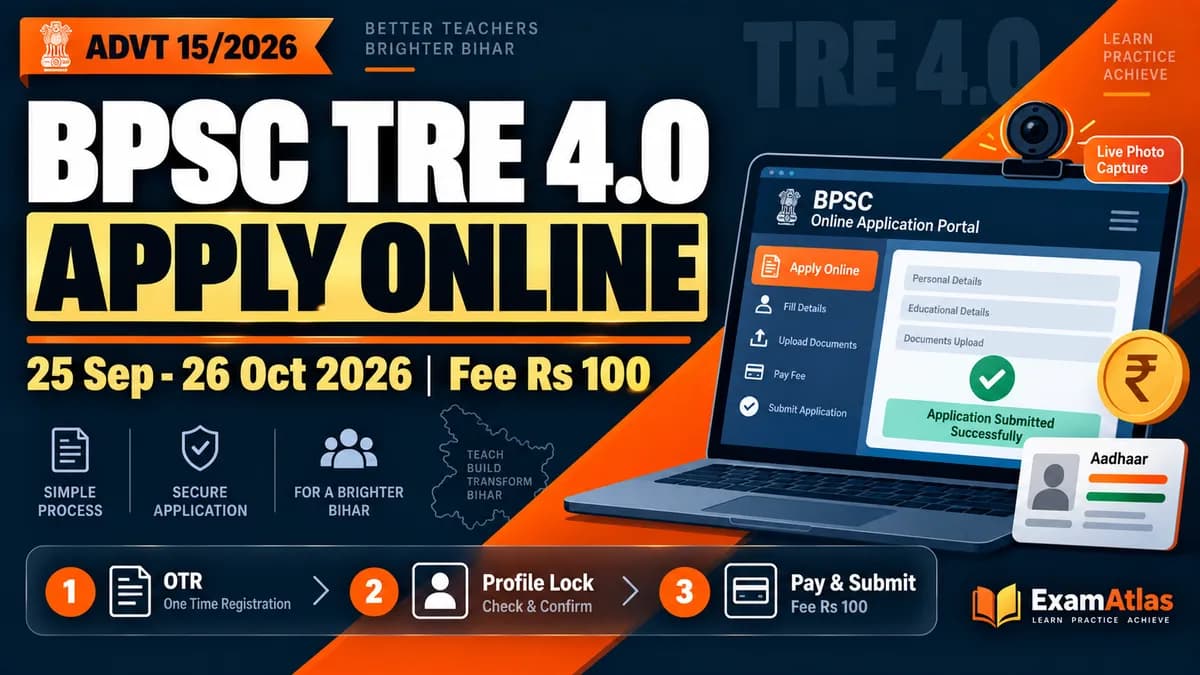
The online application for BPSC TRE 4.0 opens on 25 September 2026 and closes on 26 October 2026. Fee payment runs from 25 September to 25 October 2026, a day earlier than the form deadline. The recruitment is Advt 15/2026, dated 22 September 2026, for 32,388 school teacher posts.
The whole process happens on two portals. One Time Registration and the form itself live at bpsconline.bihar.gov.in. The advertisement, the self-declaration format and every official update sit on bpsc.bihar.gov.in.
Most rejected forms in Bihar recruitments are not rejected for weak marks. They fail on a duplicate OTR, a certificate issued a week late, or a payment made before the candidate finished thinking about the subject. This page walks the process in the order the portal actually asks for it.
Dates and fee at a glance
Keep these ready before you open the form
- A working email ID and mobile number that stay with you till the final result. Use your own, never a cyber cafe owner's.
- An Aadhaar-linked mobile number. If it is not linked, OTP failures can stall document verification later.
- Matriculation certificate for date of birth, plus academic, training and TET or STET certificates.
- Caste, permanent residence, creamy-layer-free or EWS certificate, whichever applies to your category.
- A webcam, because the photo has to be captured live inside the portal.
- Signature images in both Hindi and English.
- Four passport size photographs of the same sitting, kept aside for later verification.
Step 1: One Time Registration (OTR)
Open bpsconline.bihar.gov.in and click New User Registration. OTR is not an application for any exam. It only collects your basic details and gives you a dashboard, and the same OTR then works for future BPSC advertisements.
Three rules decide whether your OTR helps you or hurts you.
- Only one OTR is allowed. A second registration can get your application rejected or cancelled. If you think you already have one, log in and check before creating another.
- Old portal OTR does not carry over. Candidates who registered on the earlier portal have to complete a fresh OTR on the new one.
- Six fields are frozen forever. Name, father's name, mother's name, gender, Aadhaar number and date of birth have no correction provision at any later stage.
Type those six fields slowly and match them letter for letter with your matriculation certificate. The OTP arrives on email as well, so check the spam folder if the inbox looks empty. Your dashboard after this lives at bpsconline.bihar.gov.in/candidate/login.
Step 2: DigiLocker
As soon as OTR is complete, the Meri Pehchan portal for DigiLocker opens. If you already have a DigiLocker account, give consent to OAMS and sign in. If you do not, use New Sign up and create one.
Documents already uploaded on DigiLocker can be linked straight to OAMS, which saves time later. If you would rather skip this step for now, press the browser Back button and the Online Application Portal opens.
Step 3: Profile creation, six sections
In Step 4 every qualification entry has to be added and saved one by one. Press Add, then Save, before moving to the next row. People lose half an hour here by filling three degrees and saving once.
If you have no experience to declare in Step 5, answer No and move on. Guest teachers claiming weightage should fill this carefully, because that claim is worth up to 25 marks later.
Photo and signature specifications
Step 4: Locking the profile
Tick the confirmation box, press Submit, then Lock Profile. Until the profile is locked, the New Advertisement tab will not show you the list of active advertisements, so there is no way to apply without locking.
A mistake caught before you apply can still be fixed. Unlock the profile, correct the entry, lock it again. Once you have applied against an advertisement, no entry in that advertisement can be changed.
Step 5: Paying the fee
Go to the New Application tab and press Pay Fees. Accept the terms and conditions, select the post, let the payment calculate, then pay through the online gateway or SBI Payment Gateway. Preview, then Confirm and Pay.
Here is the trap. Once payment is made against a chosen post and subject, you cannot add or remove a post or subject. The only way out is to cancel the payment and run the whole process again, and a cancelled payment is never refunded. So finish deciding your level, your subject and your preference order before you touch the payment button.
Step 6: Apply and submit
After a successful payment the Apply button appears. Press Apply, then Proceed to Application, then Submit Application. Payment alone is not an application. If you pay and never submit the final form, your candidature is invalid and the money is gone.
If the screen shows Check Payment Status instead of Apply, click it so the portal confirms with the bank. A successful confirmation brings the Apply button back. A failed one sends you to Pay Fee again.
The profile stays locked from payment until the final application is submitted. To change profile details in between, you have to cancel the payment first, using the Cancel Payment button at the bottom of the form after Proceed to Application.
The preference order you set inside the form
Candidates eligible for more than one level choose their priority order while filling the form, in one single application. This order is not a wish list. It works in steps.
If you are found successful at a higher preference, the result is published for that post and your candidature for every lower option becomes invalid automatically. Fill no preference at all and the result is published for the higher level only, with the lower one lapsing.
One more line worth reading twice: you can select only the subject in which you have passed TET or STET. Cleared two subjects? You still pick one. See our TRE 4.0 eligibility page for the level-wise TET mapping before you lock this in.
Where applications actually get rejected
- Duplicate OTR. More than one registration can invalidate the application.
- Late certificates. Every academic, training, experience and TET certificate must be issued by 26 October 2026. An extension of the form deadline does not move this date.
- Reservation claim left blank. Category benefit is given only on the claim made inside the form, backed by a certificate from the competent authority. It cannot be added later.
- Married women using the husband's details. Caste, permanent residence and creamy-layer-free certificates must be issued in the father's name and father's permanent address, not the husband's.
- Payment done, form never submitted. The application stays incomplete and the candidature is treated as invalid.
- Printout without the identifiers. Every page of the downloaded application must carry the Application Number, Application ID and bar code. If any one of the three is missing, the application is not treated as complete.
If the payment goes wrong
Paid twice by mistake? A chargeback claim can be raised through your bank. A cancelled payment or a cancelled application is not eligible for chargeback, and the exam fee is not refunded under any circumstance.
BPSC has said plainly that it is not responsible for internet or banking disruption. Applying on 24 October rather than 26 October is the cheapest insurance available in this process. For complaints about OTR or the application form itself, use the Grievance tab on the portal.
Keep these for verification
No hard copy goes to the Commission. Anything sent on your own initiative earns no claim. But the originals can be demanded at any stage, so keep the matriculation certificate, academic and training certificates, TET or STET marksheets, caste and residence certificates, EWS or creamy-layer-free certificate, disability certificate, guest teacher experience certificate with the appointment letter, a photo identity card, four photographs, the filled application copy and the e-admit card together in one folder.
Forged or incorrect certificates lead to cancellation of appointment and recovery of salary under the Bihar and Orissa Public Demand Recovery Act 1914, alongside other legal action.
After you hit submit
Download the application from the My Account tab and check the three identifiers on every page. Then go back to studying, because the exam date has not been announced and that gap is your real advantage.
Use it on the part of TRE 4.0 that is new: five options per question and 1/3 negative marking. Option E is there for questions you choose to skip, and marking E still costs you 1/3, exactly like leaving the question blank. TRE 3.0 had no negative marking at all, so old practice habits will quietly leak marks. ExamAtlas has free TRE 4.0 mocks built on the five-option pattern with AI analytics that show topic-wise accuracy and what your guessing is costing. The full paper structure is in our TRE 4.0 exam pattern guide.
Frequently asked questions
When does the BPSC TRE 4.0 application start and end?
Applications run from 25 September 2026 to 26 October 2026. Fee payment starts on 25 September and closes on 25 October 2026.
How much is the application fee?
Rs 100 per level for every category. A biometric fee of Rs 200 applies only to candidates who do not enter an Aadhaar number as identity proof. Bank charges are extra.
I did OTR for an earlier BPSC exam. Do I need to do it again?
If your OTR was done on the old portal, yes, you have to complete a fresh OTR on the new portal. Never create a second OTR on the new portal, because duplicate registration can get the application rejected.
Can I change my subject after paying the fee?
No. Once payment is made against a selected post and subject, nothing can be added or removed. You would have to cancel the payment and repeat the entire process, and cancelled payments are not refunded.
Do I have to send the printed application to BPSC?
No. Hard copies are not required and anything sent on your own carries no claim. Keep the downloaded copy with the Application Number, Application ID and bar code on every page.
How many times can I apply for this recruitment?
A candidate may appear in the exam a maximum of five times, under the Bihar Rajya Vidyalaya Adhyapak Sanshodhan Niyamavali 2024.
One last check before you pay
Open the level-wise and subject-wise vacancy tables once more and read them against your own certificates, not against what a coaching group is forwarding. The subject you qualify for, the level with posts worth fighting for, and the preference order you can live with are three different questions, and payment closes all three at once.
Our Advt 15/2026 notification breakdown carries the full subject-wise vacancy split. Spend twenty minutes there before you spend Rs 100 here.